Export via Blob Storage Integration
- Hobby(Not Available)
- Core(Not Available)
- Pro(Teams Add-on required)(Team)
- Enterprise
- Self Hosted
You can create schedule exports to a Blob Storage, e.g. S3, GCS, or Azure Blob Storage, for traces, observations, enriched observations, and scores.
Those exports can run on an hourly, daily, or weekly schedule.
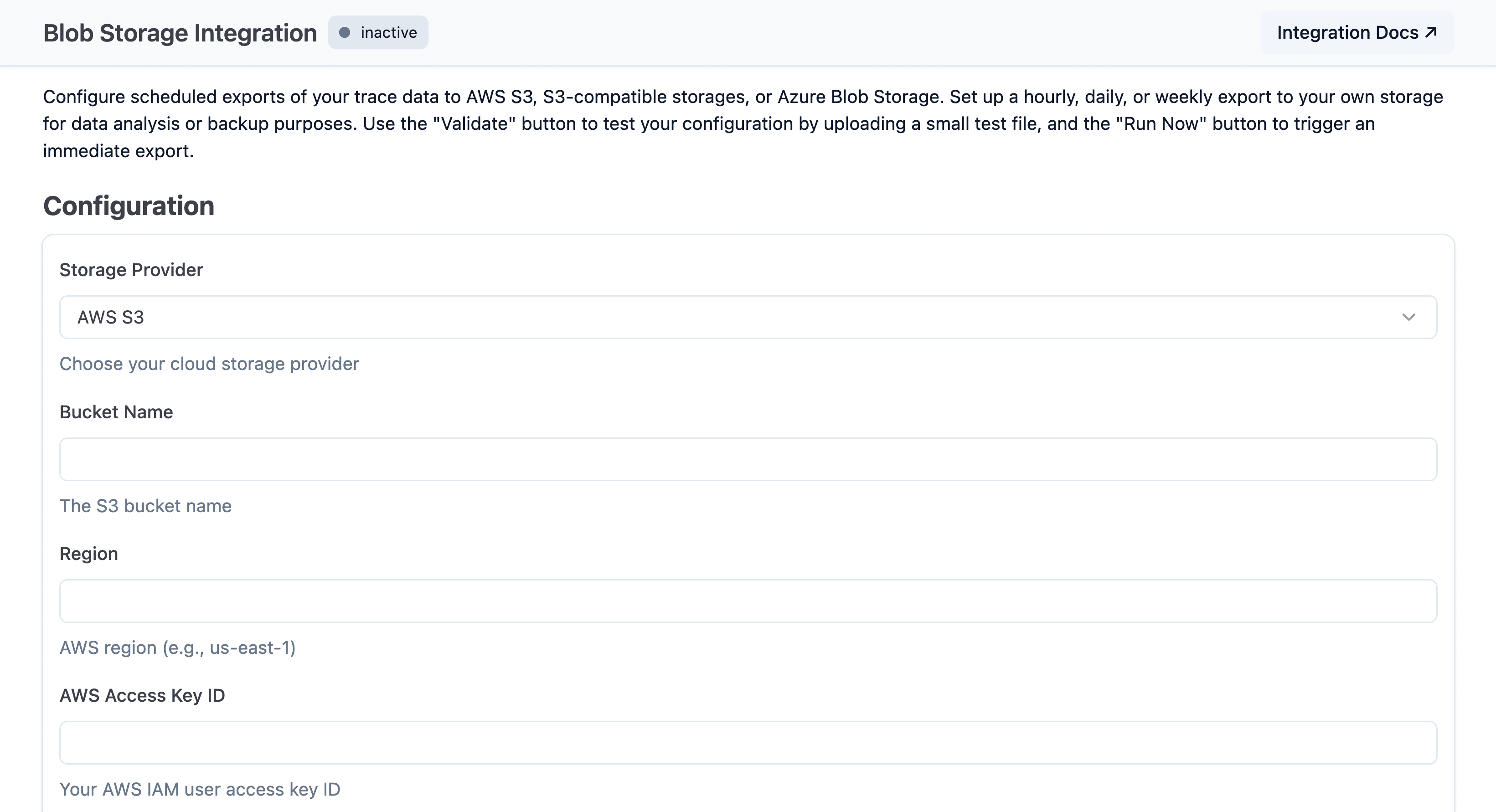
Navigate to your project settings and select Integrations > Blob Storage to set up a new export.
Select whether you want to use S3, a S3 compatible storage, Google Cloud Storage, or Azure Blob Storage.
Start exporting via Blob Storage
To set up the export navigate to Your Project > Settings > Integrations > Blob Storage.
Fill in the settings to authenticate with your vendor, enable the integration, and press save. Within an hour an initial export should start and continue based on the schedule you have selected. The export supports CSV, JSON, and JSONL file formats. Read our blob storage documentation for more information on how to get credentials for your specific vendor.
Export source (Litefuse v4)
Blob Storage integrations now include an Export Source selector. New integrations default to Enriched observations (recommended) (trace attributes are directly set on observations).
This source uses enriched observations with trace attributes and provides significantly better export performance. Scores are always included, regardless of the selected source.
Available options:
Traces and observations (legacy)Traces and observations (legacy) and enriched observationsEnriched observations (recommended)
Traces and observations (legacy) sources may be deprecated in the future. All new export jobs should use Enriched observations (recommended), and existing legacy jobs are strongly recommended to upgrade.
Upgrade path for existing configurations
Existing integrations continue to use Traces and observations (legacy) until changed.
To migrate safely:
- Switch to
Traces and observations (legacy) and enriched observations. - Validate downstream jobs and data consumers while both sources are exported (this mode creates duplicate records by design).
- Switch to
Enriched observations (recommended)once validation is complete.
Observation field groups and compression
Blob Storage integrations can also limit which observation field groups are exported. This is useful when you want smaller, targeted exports for analytics jobs that do not need full input/output payloads or metadata.
Available observation field groups:
| Field group | Includes |
|---|---|
core | Required identifiers and timestamps such as observation ID, trace ID, type, start time, and end time |
basic | Names, levels, environments, session or user references, and general observation attributes |
time | Additional timing fields such as completion start time and record creation or update timestamps |
io | Observation input and output payloads |
metadata | Structured metadata attached to observations |
model | Model names and model parameters |
usage | Usage details, cost details, and total cost fields |
prompt | Prompt identifiers, names, and versions |
metrics | Latency and time-to-first-token metrics |
If you do not configure field groups, all observation field groups are exported. Scores are always included in the integration export and are not controlled by the observation field group selector.
You can enable gzip compression for exported files. Compressed exports reduce storage size and network transfer, but downstream consumers must read .gz files.
Alternatives
You can also export data via:
- UI - Manual batch-exports from the Litefuse UI
- SDKs/API - Programmatic access using Langfuse SDKs or API