Litefuse Integration with LobeChat
What is LobeChat?
LobeChat is an open-source LLM chat platform that seamlessly integrates with various AI models and tools, providing users with an intuitive interface to interact with advanced language technologies.
What is Litefuse?
Litefuse is one of the most used open-source LLM Observability platforms. By enabling the Litefuse integration, you can trace your application data with Litefuse to develop, monitor, and improve the use of LobeChat, including:
- Application traces
- Usage patterns
- Cost data by user and model
- Evaluations
Get Started
Set up Litefuse
Get your Langfuse API key by signing up for Litefuse Cloud or self-hosting Litefuse.
Set up LobeChat
There are multiple ways to self-host LobeChat. For this example, we will use the Docker Desktop deployment.
Before deploying LobeChat, set the following four environment variables with the Langfuse API keys you created in the previous step.
ENABLE_LANGFUSE = '1'
LANGFUSE_SECRET_KEY = 'sk-lf...'
LANGFUSE_PUBLIC_KEY = 'pk-lf...'
LANGFUSE_HOST = 'https://litefuse.cloud'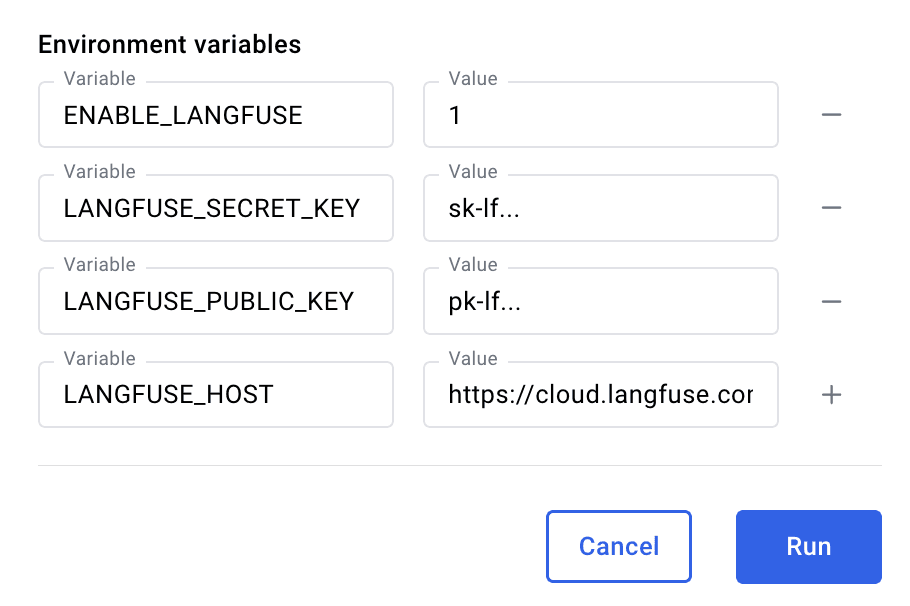
Activate Analytics in Settings
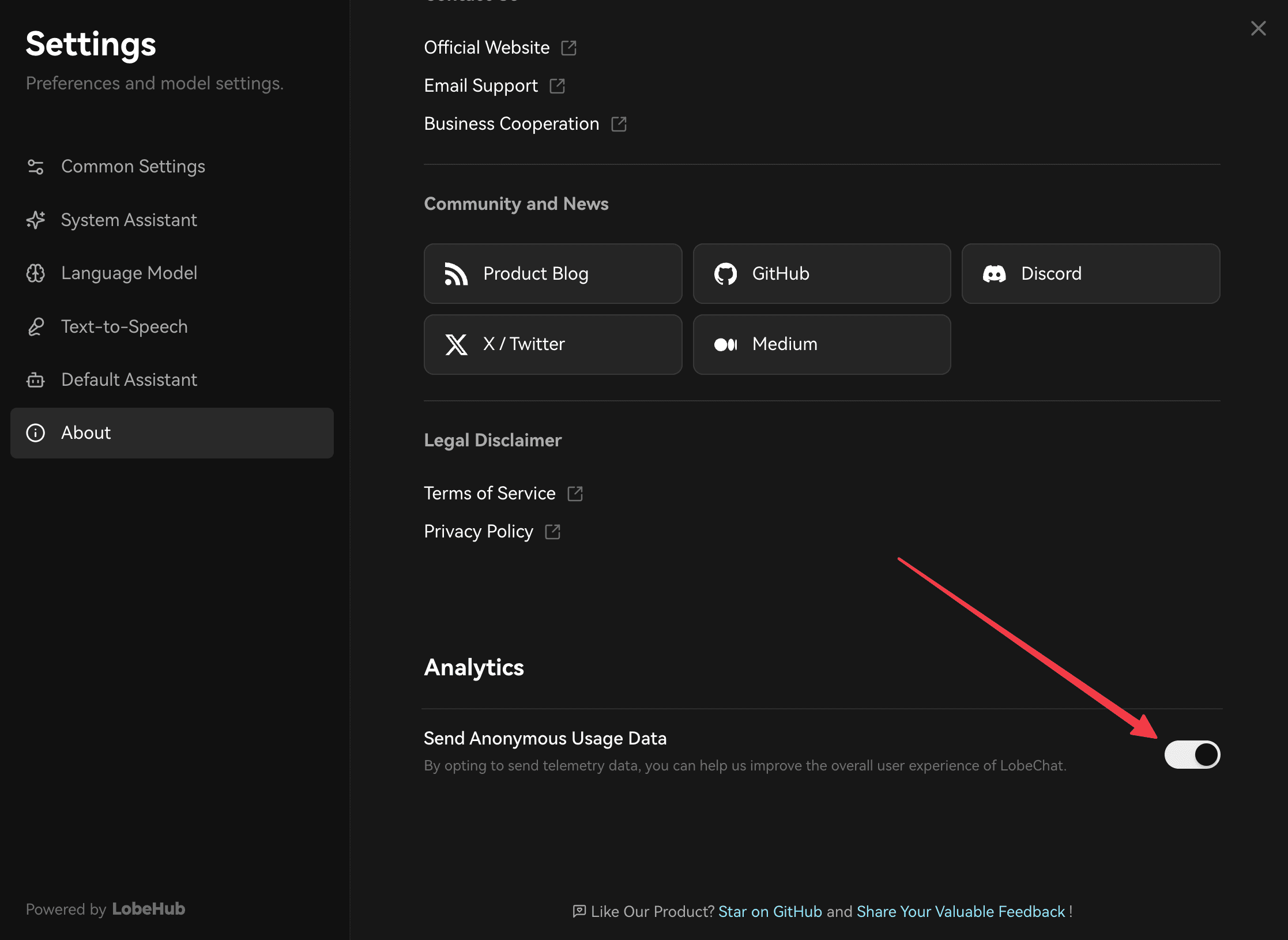
Once you have LobeChat running, navigate to the About tab in the Settings and activate analytics. This is necessary for traces to be sent to Litefuse.
See your traces in Litefuse
After setting your LLM model key, you can start interacting with your LobeChat application.
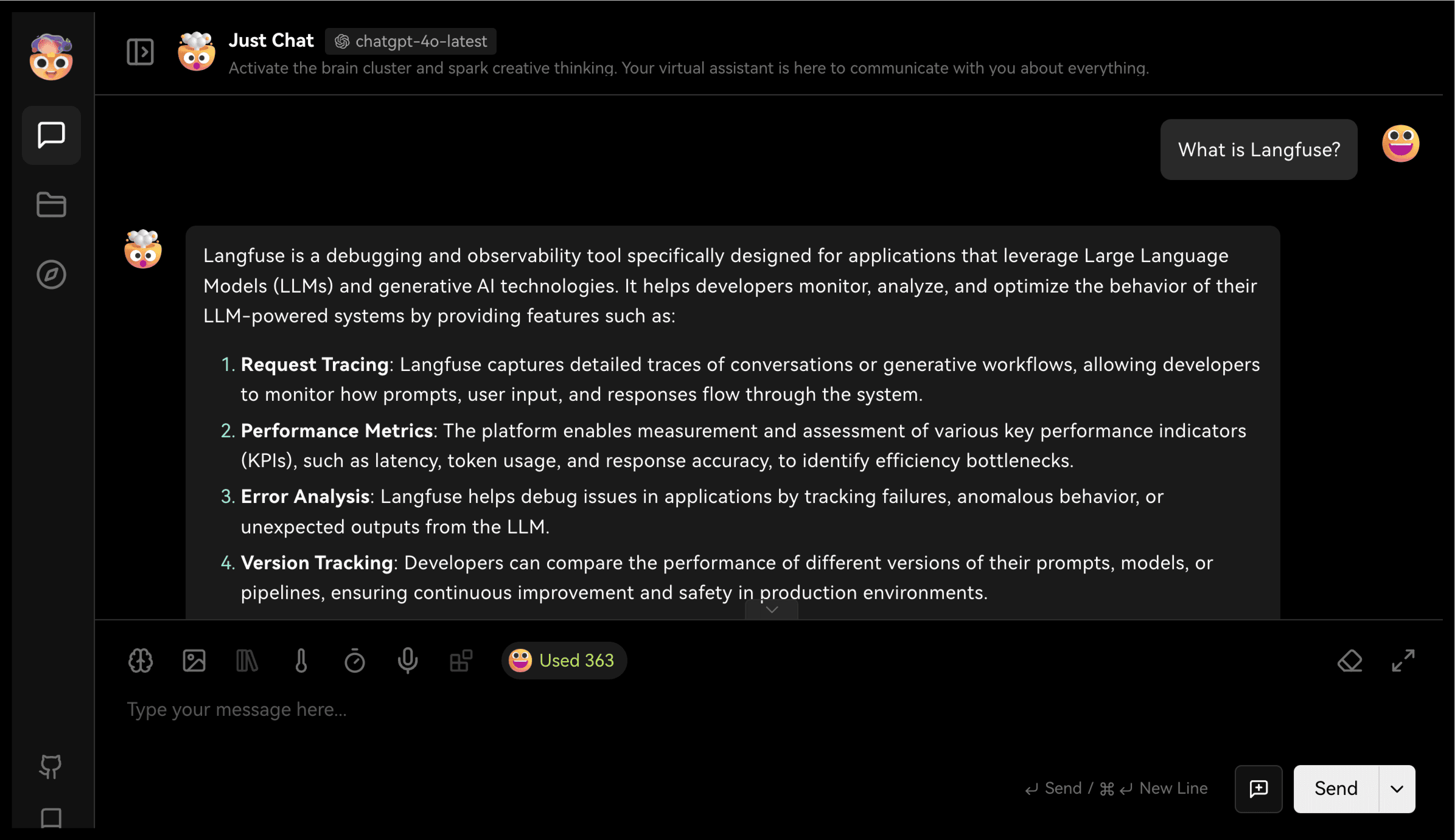
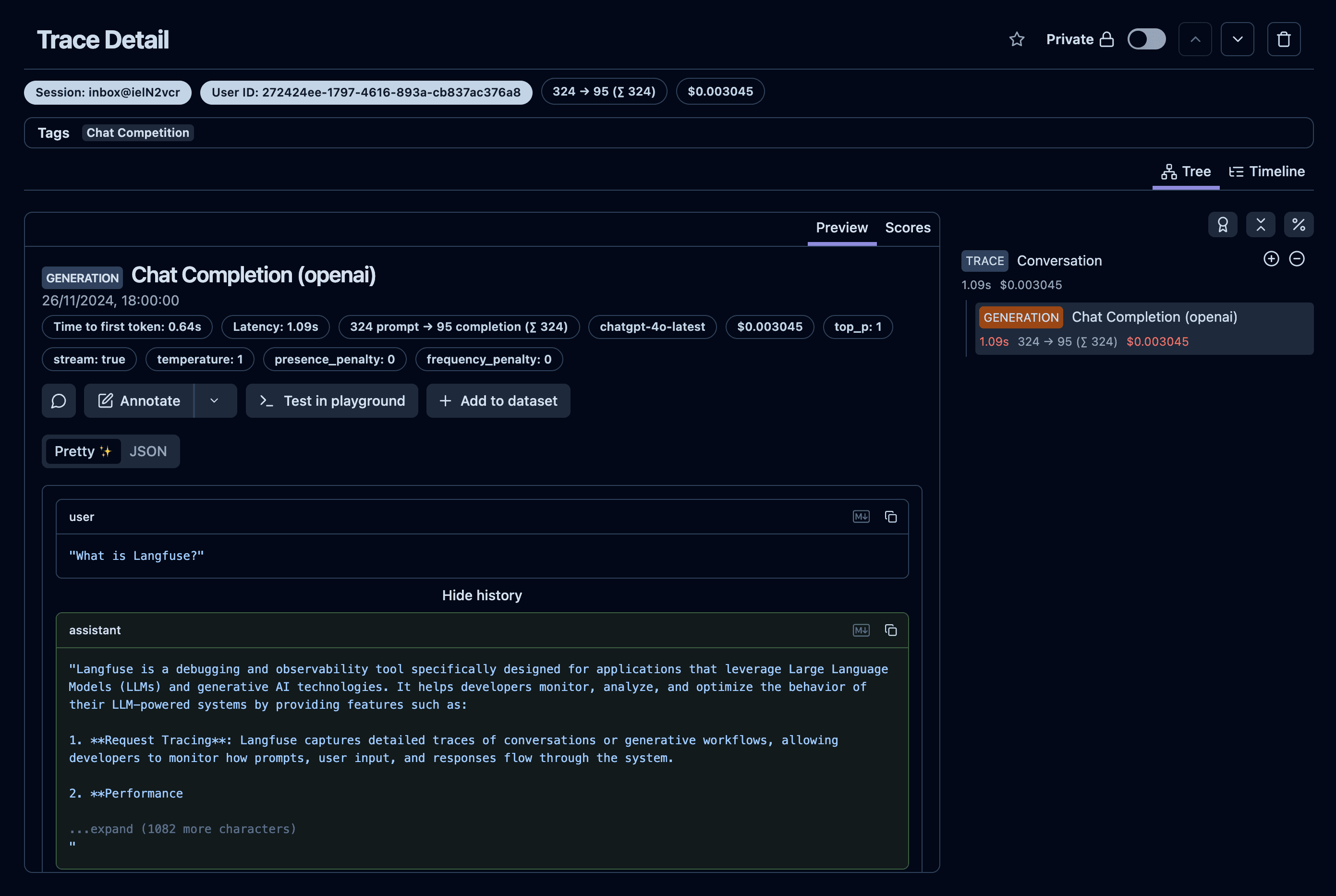
All conversations in the chat are automatically traced and sent to Litefuse. You can view the traces in the Traces section of the Litefuse platform.
Feedback
If you have any feedback or requests, please create a GitHub Issue or share your work with the community on Discord.