Trace LibreChat with Litefuse
This guide shows you how to integrate Litefuse tracing with LibreChat to get full observability into your AI conversations.
What is LibreChat? LibreChat is an open-source AI chat platform that brings together multiple AI providers (OpenAI, Anthropic, Google, Azure, and more) into a unified interface.
What is Litefuse? Litefuse is an open-source LLM observability platform that helps you trace, monitor, and debug your LLM applications.
Prerequisites
Before you begin, ensure you have:
- A running LibreChat instance (see LibreChat Installation Guide)
- A Litefuse account (sign up for free)
- Langfuse API keys from your project settings
Configure LibreChat Environment Variables
LibreChat uses environment variables for configuration. Add the following Langfuse-related variables to your .env file in your LibreChat installation directory:
# Langfuse Configuration
LANGFUSE_PUBLIC_KEY=pk-lf-***
LANGFUSE_SECRET_KEY=sk-lf-***

# 🇪🇺 EU Data Region
LANGFUSE_BASE_URL=https://litefuse.cloud

# 🇺🇸 US Data Region
# LANGFUSE_BASE_URL=https://litefuse.cloudNote: For self-hosted Litefuse instances, set
LANGFUSE_BASE_URLto your custom URL (e.g.,http://localhost:3000for local development).
Restart LibreChat
After adding the environment variables, restart your LibreChat instance to apply the changes.
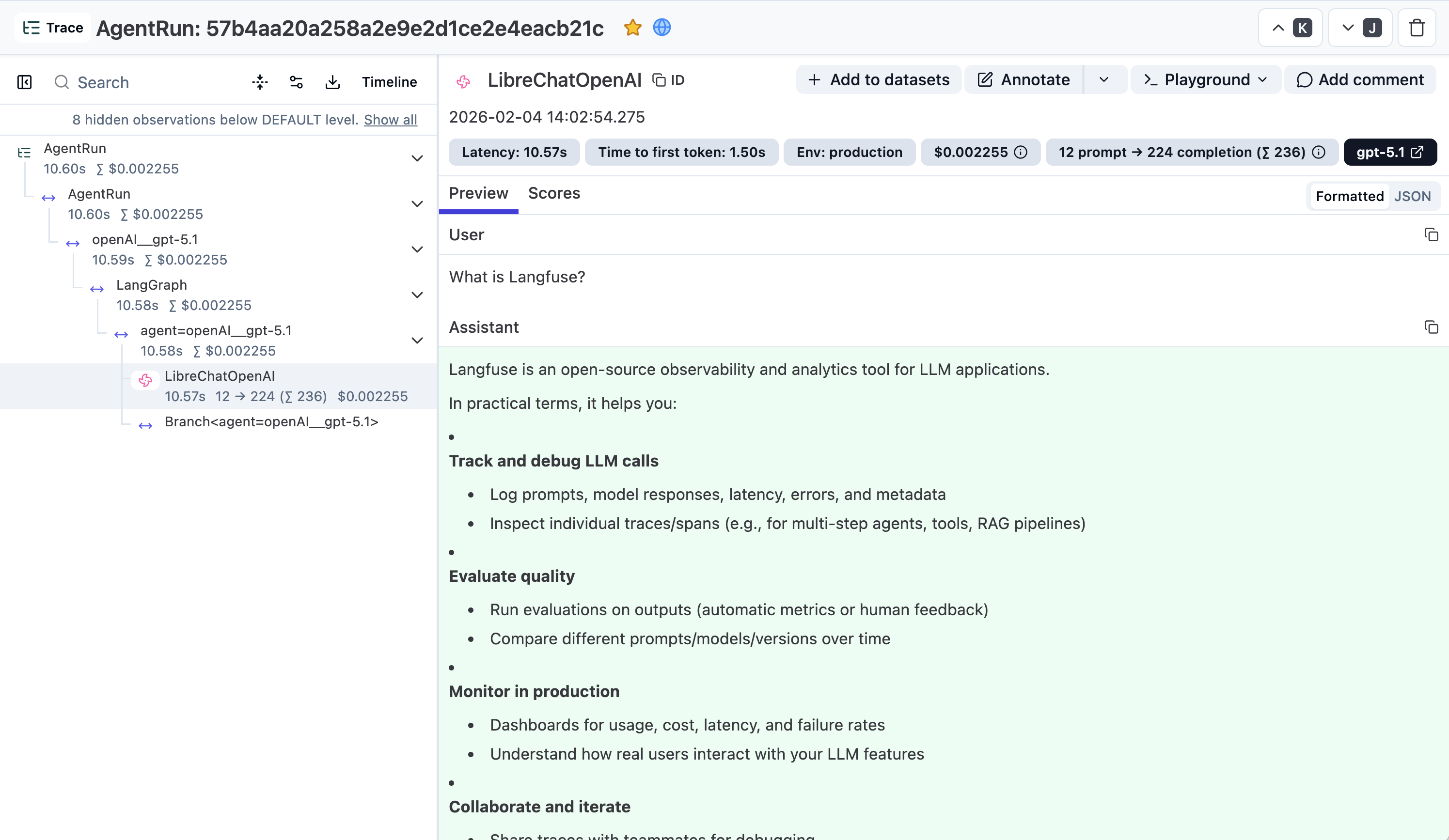
See traces in Litefuse
Once LibreChat is restarted with Litefuse configured, you can see a new trace for every chat message response in the Litefuse UI: